Start without friction
Use the editor and cleaner without sign-in, then generate AI metadata with 20 free points each day.


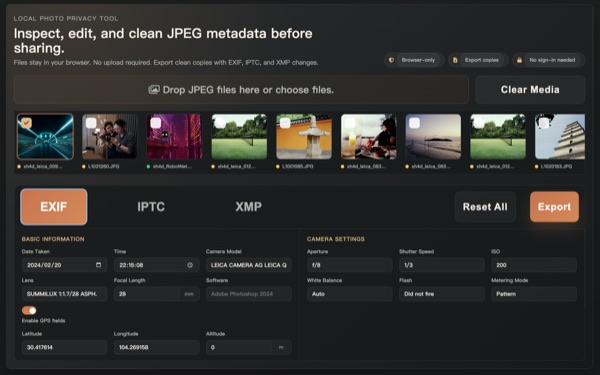
View, edit, and remove EXIF, IPTC, and XMP metadata.
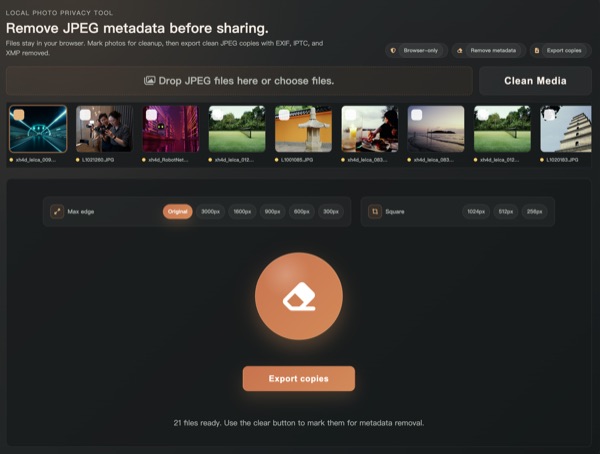
Your photos stay in your browser. No upload required for privacy tools.
Everything you need to manage photo metadata, in your browser.
Detect AI-generated images with browser-local evidence.
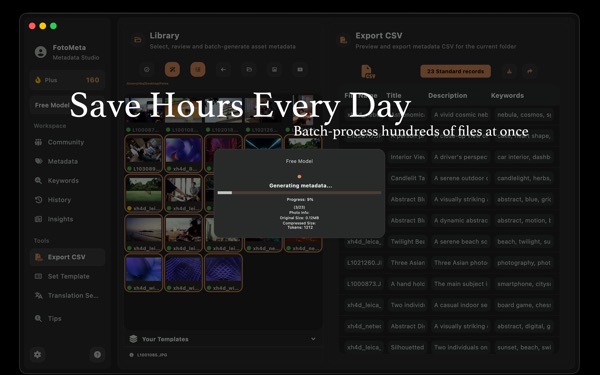
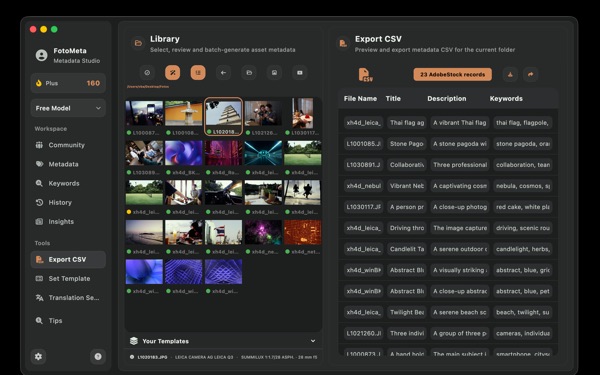
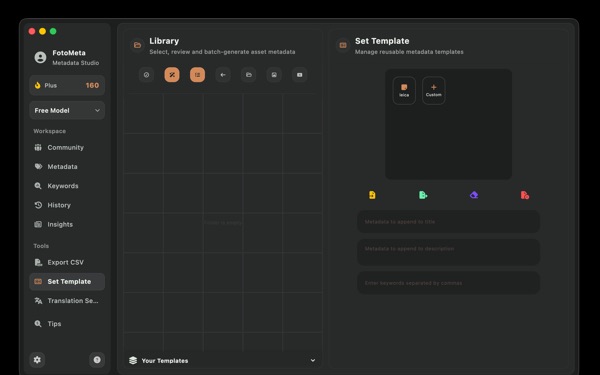
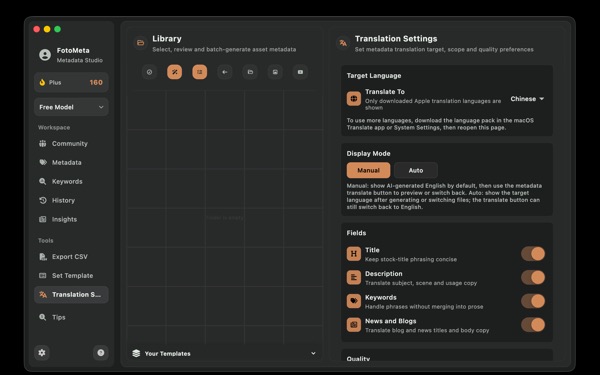
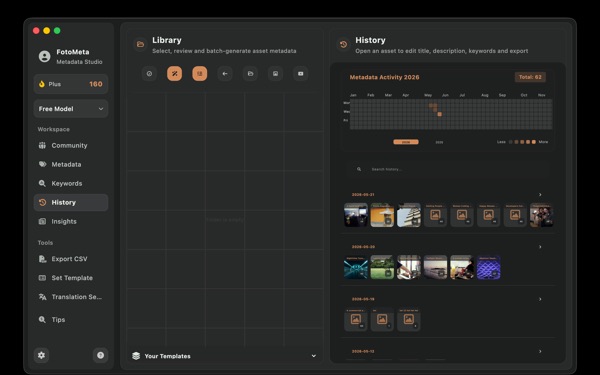
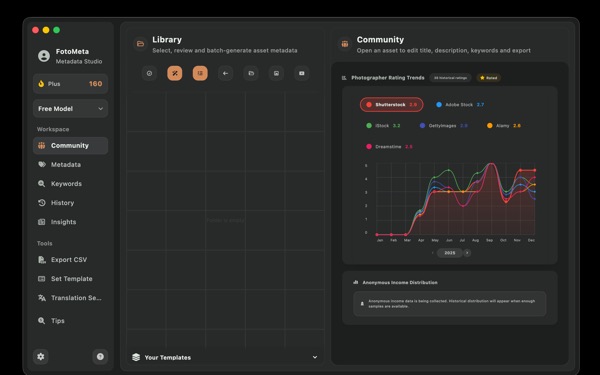
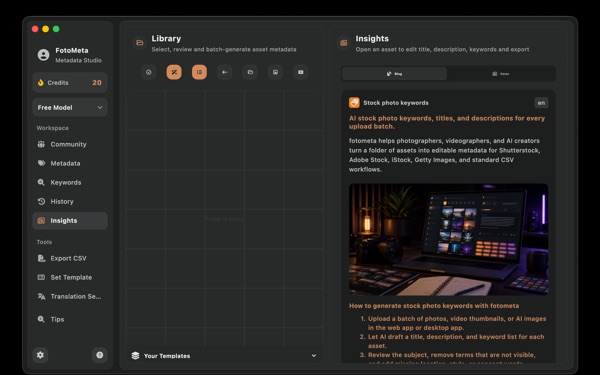
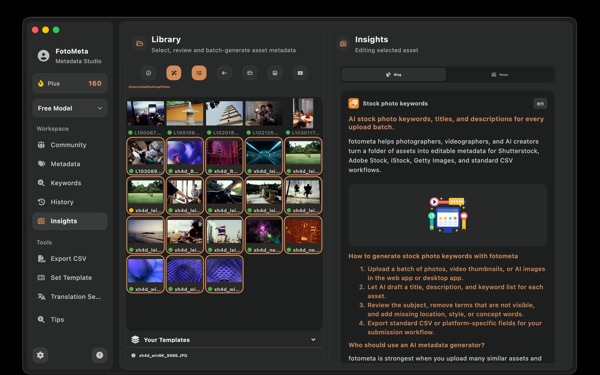

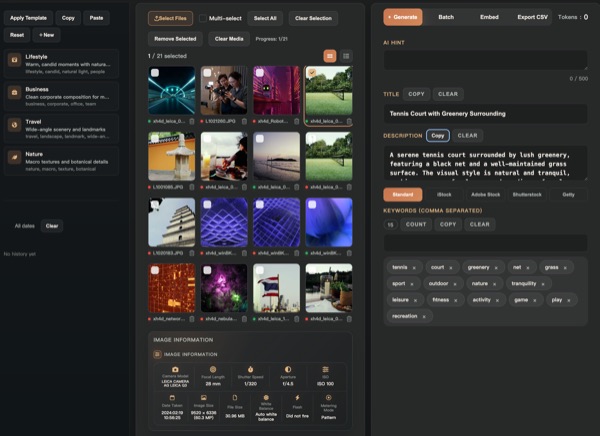
After privacy cleanup, Fotometa turns photos, videos, vectors, or AI assets into reviewable stock titles, descriptions, keywords, and agency CSVs. Start with 20 free AI points every day, then upgrade only when batch volume needs it.
Many metadata sites stop at viewing files, and many AI keyword tools ask for payment too early. Fotometa gives creators local privacy tools for free and daily AI metadata points for real stock-submission work.
Use the editor and cleaner without sign-in, then generate AI metadata with 20 free points each day.
Remove GPS, camera, and hidden EXIF/IPTC/XMP fields locally before sharing or submitting files.
Generate titles, descriptions, keyword lists, and CSV fields for Shutterstock, Adobe Stock, iStock, Getty Images, and standard workflows.
Fotometa connects the everyday metadata jobs creators actually need: inspect EXIF, clean private data, edit IPTC/XMP rights fields, generate AI stock metadata, and export platform-ready CSVs.
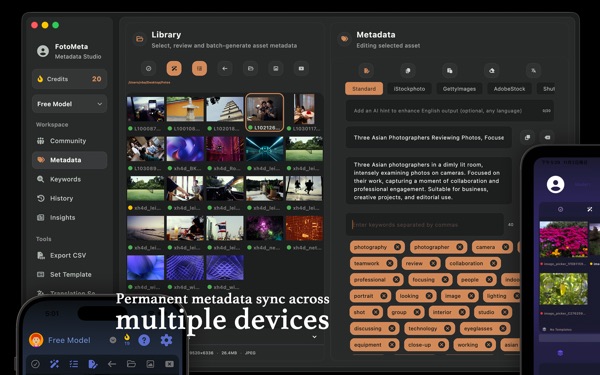
The web app is built for fast starts: import assets, use the Free Model, spend daily AI points, review the result, then export CSVs. macOS and iOS keep handling desktop batches, sync, history, and mobile review.
Metadata Editor and Cleaner run locally in the browser without uploading photos. AI generation uses cloud processing only when you choose Generate, and generated metadata still needs human review before submission.
View, edit, and remove EXIF/IPTC/XMP metadata in the browser. The editor and cleaner do not upload your photos.
Use daily free AI points for real title, description, keyword, and CSV drafts before deciding whether Plus is worth it.
AI output does not replace contributor judgment. Review the real subject, releases, people, trademarks, and each agency's rules before upload.
This homepage section shows the common CSV entry points for Shutterstock, Getty Images, and Adobe Stock so contributors can move from generated metadata to upload review faster.
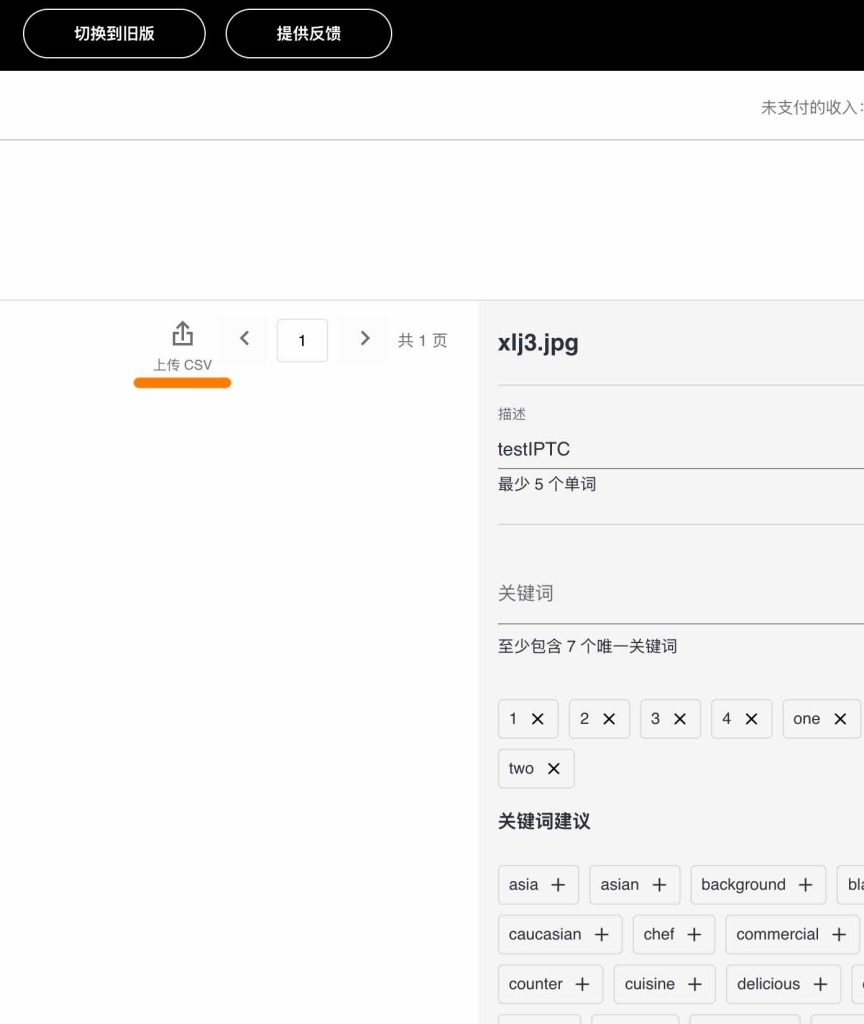
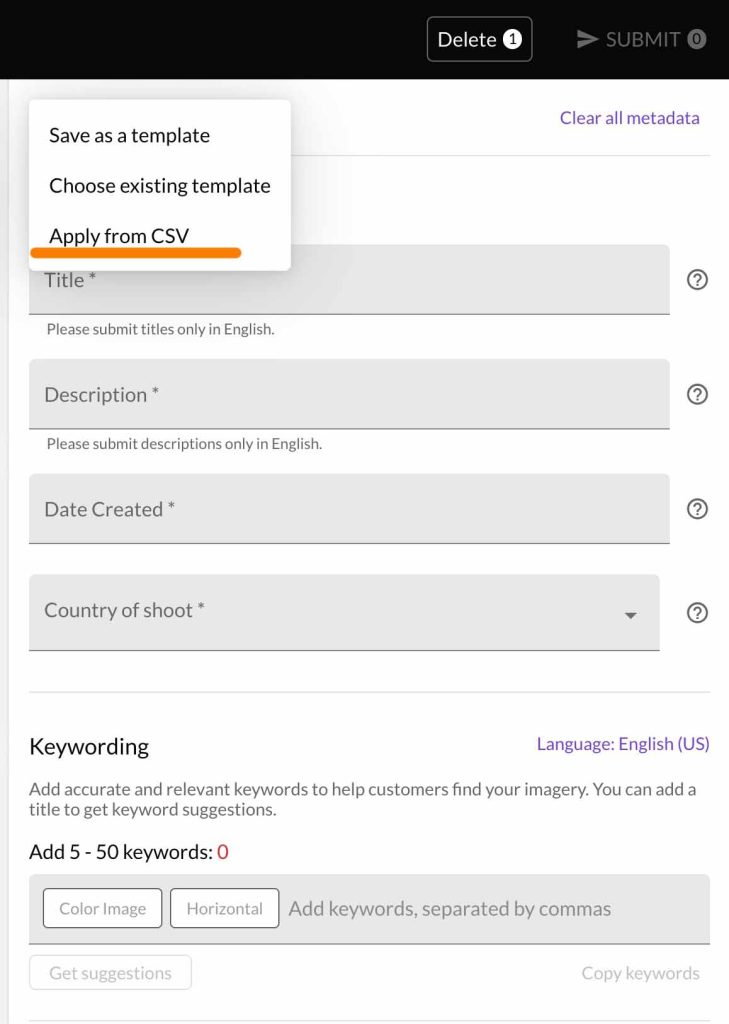
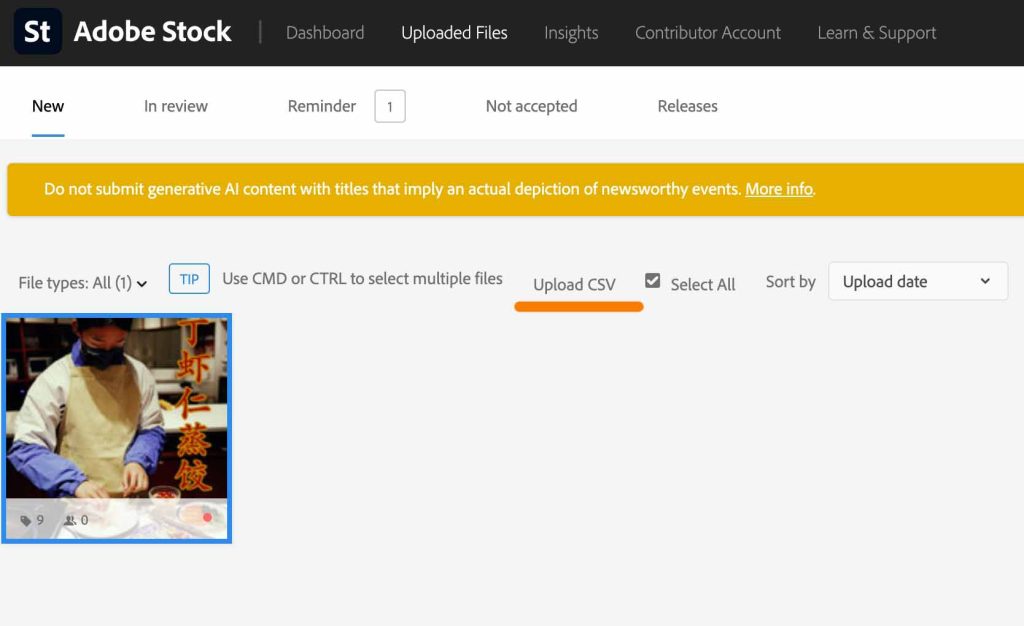
Use Fotometa to batch-generate titles, descriptions, and keywords, export the CSV, apply it inside the contributor platform, then manually review categories, releases, and restrictions.
The homepage keeps only article titles. Open the full blog page for a clean list that is easy to link from the app.
Start fast in the browser, use macOS for desktop batch work, and keep iOS or Android available for review, sync, and pre-submission checks. Your account keeps history, templates, and projects connected.
No install required. Upload a batch, generate metadata, and export results from the browser.
Review history, translate outputs, and manage submission-ready assets on the go.
Desktop batch processing, embedded metadata, and export workflows for serious creators.
A lightweight way to review, translate, and sync after a shoot.
It is a good fit for quick starts and lightweight batches. For high-volume batches, IPTC embedding, video analysis, and cross-device sync, use the full app and Plus.
Fotometa generates strong drafts and export formats. You can still review the result against the real subject, rights status, and each agency's submission rules.
Plus is for creators uploading 50-500+ assets per month or submitting the same batch across multiple stock agencies.
Free gives you local metadata tools and 20 AI points every day. Plus is built for photographers, videographers, and AI creators who submit stock content regularly and need higher capacity, batch work, stronger models, video, translation, and sync.
Enough to test real metadata workflows every day.
Flexible access for active upload months.
Best value for high-volume creators.